

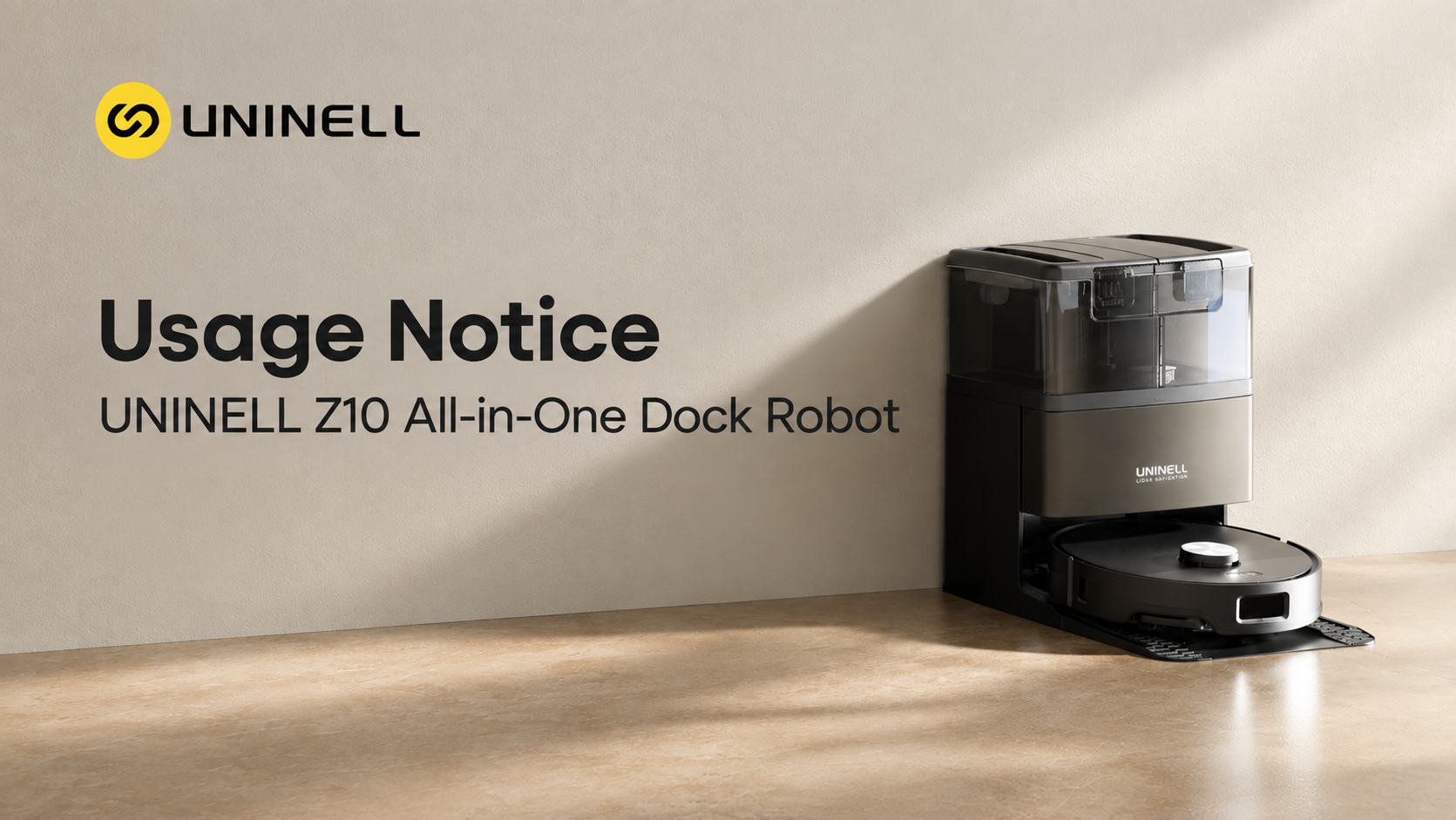
Congratulations on welcoming the UNINELL Z10 All-in-One Dock Robot into your home! Designed to deliver a truly hands-free cleaning experience, the Z10 takes care of your floors so you don't have to.
To keep your robot running at peak performance, prevent accidental damage, and ensure seamless daily operation, we’ve put together this simple 5-step usage guide. Follow these essential tips to get the absolute best out of your UNINELL Z10!
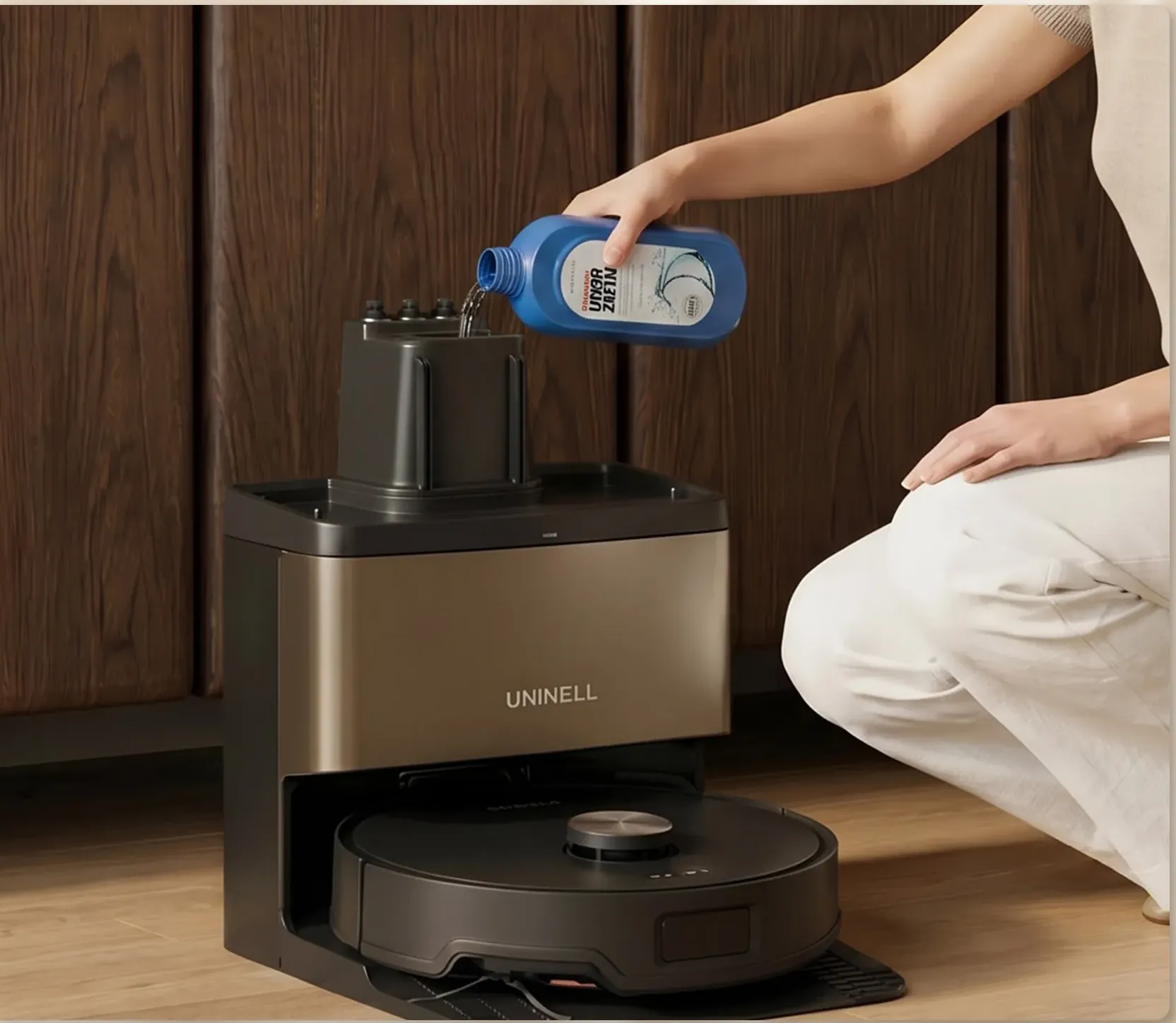
1. Use Neutral Cleaning Solution Only (pH 6–8)
Protecting the Z10’s internal water pumps and tubes starts with choosing the right cleaning solution:
-
Recommended: Use neutral cleaning solutions only (pH 6–8) formulated specifically for robot vacuums.
-
What to Avoid: Do NOT add foaming detergents, high-acid/alkaline cleaners, or harsh disinfectants (like bleach or alcohol). High-foaming liquids can overflow inside the dock, while harsh chemicals can corrode internal seals and sensors over time.
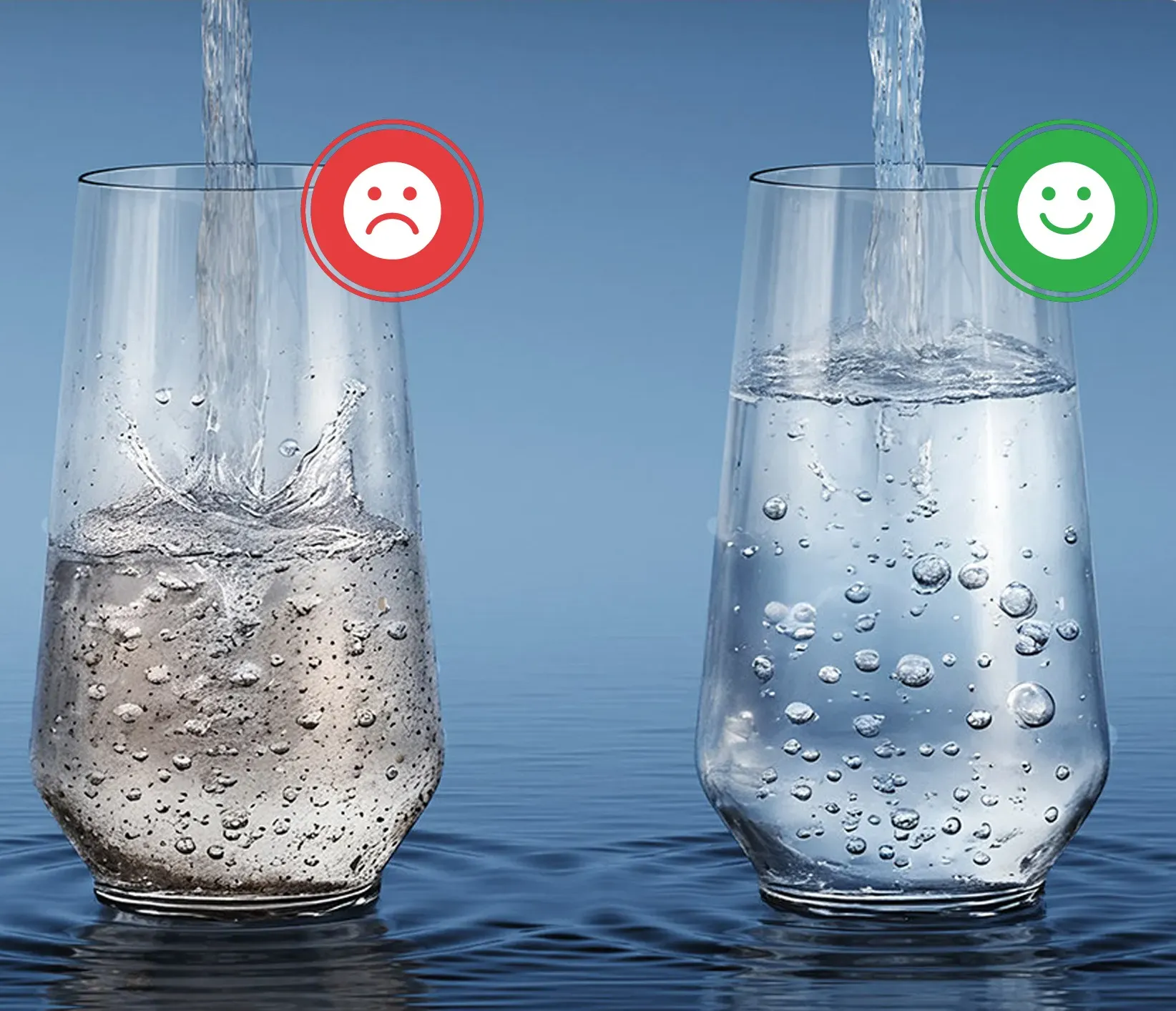
2. Say No to Hard Tap Water
Scale buildup is one of the leading causes of clogged water outlets in smart base stations.
-
Recommended: Fill your clean water tank with purified, distilled, or softened water.
-
What to Avoid: Do NOT use hard tap water. Hard water contains high concentrations of minerals like calcium and magnesium, which can deposit residue inside the base station’s heating modules and water pipes over time.
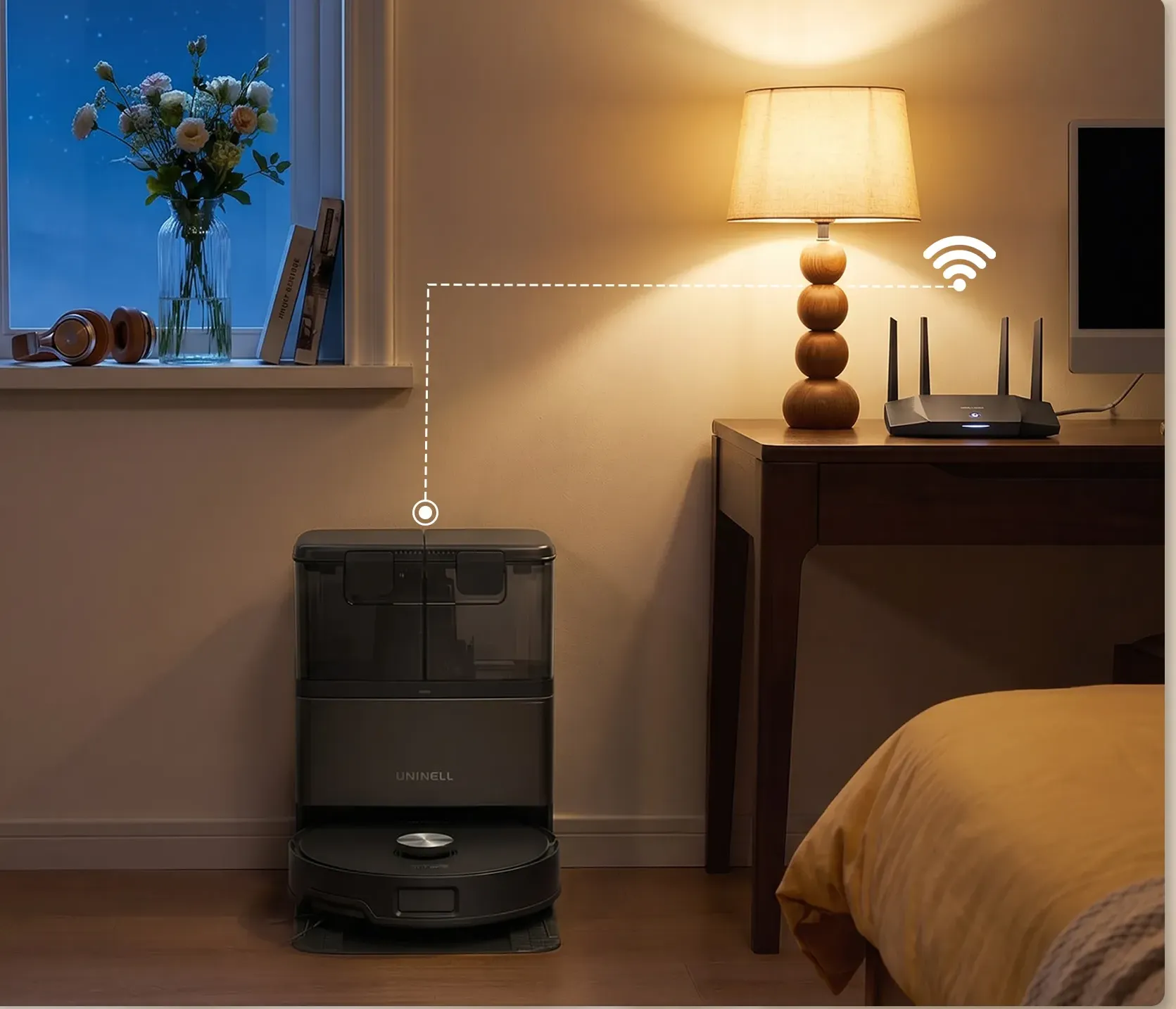
3. Place Dock Near Router (Strong Wi-Fi Range)
A stable internet connection ensures real-time app controls, map updates, and smooth voice assistant integration:
-
Positioning: Set up your base station in an open area with strong, reliable Wi-Fi coverage.
-
Best Practice: Avoid placing the dock behind thick concrete walls, inside metal cabinets, or far away from your home router, as connection drops can disrupt scheduled cleanings or live progress tracking.
4. Clear the Floor Before Cleaning
While the UNINELL Z10 features advanced obstacle avoidance sensors, tidying up small household items beforehand drastically improves cleaning speed and coverage:
-
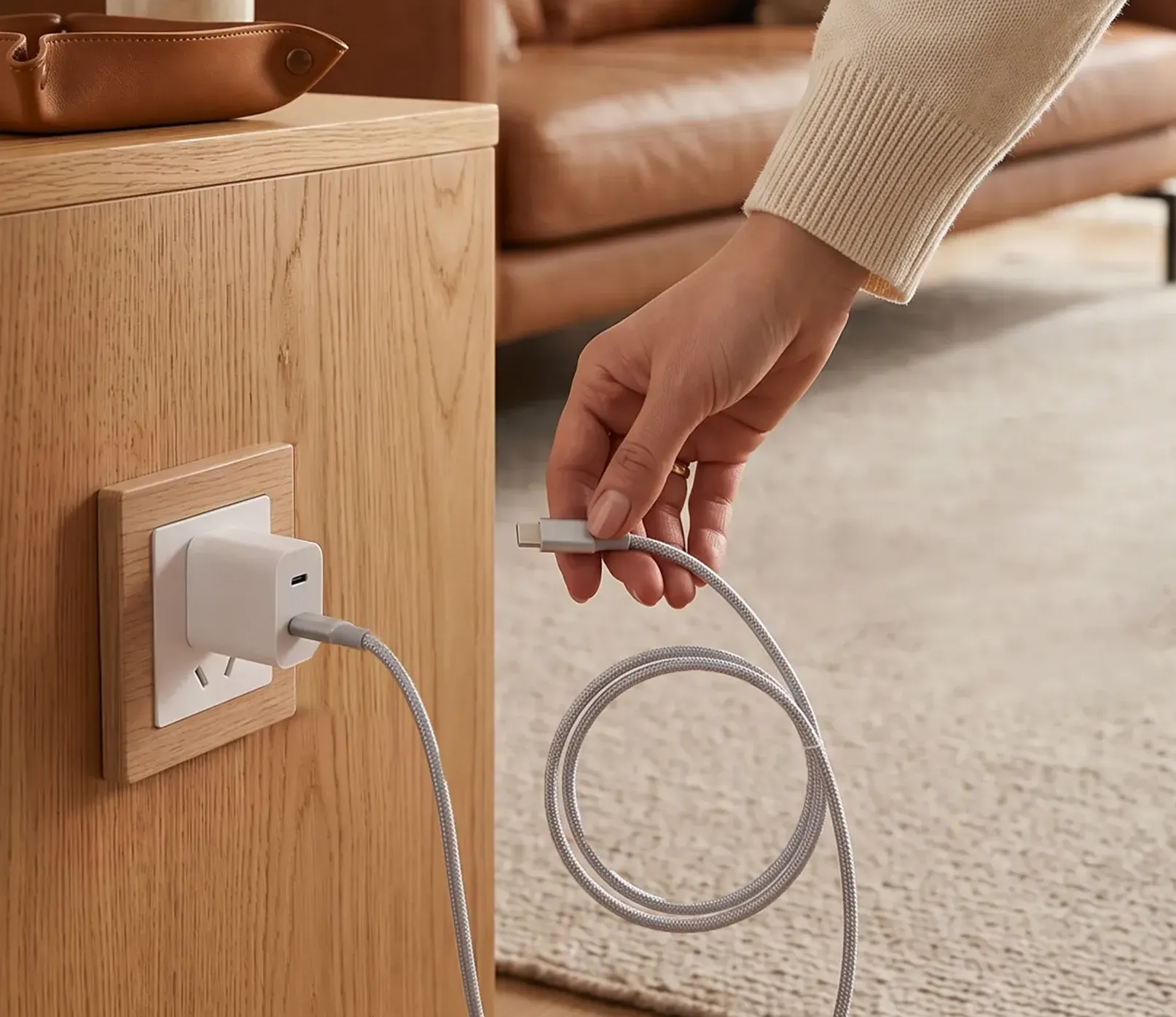
Quick Floor Sweep: Pick up loose charging cables, small children’s toys, stray tissues, and socks.
-
Why It Matters: Clearing small, flexible hazards prevents them from getting caught in the side brush or main roller, saving you from manual interventions and avoiding unexpected job pauses.
5. Map First — Follow the Quick Start Guide
Before launching your very first deep-cleaning routine, allow the Z10 to explore your home in mapping mode:
-
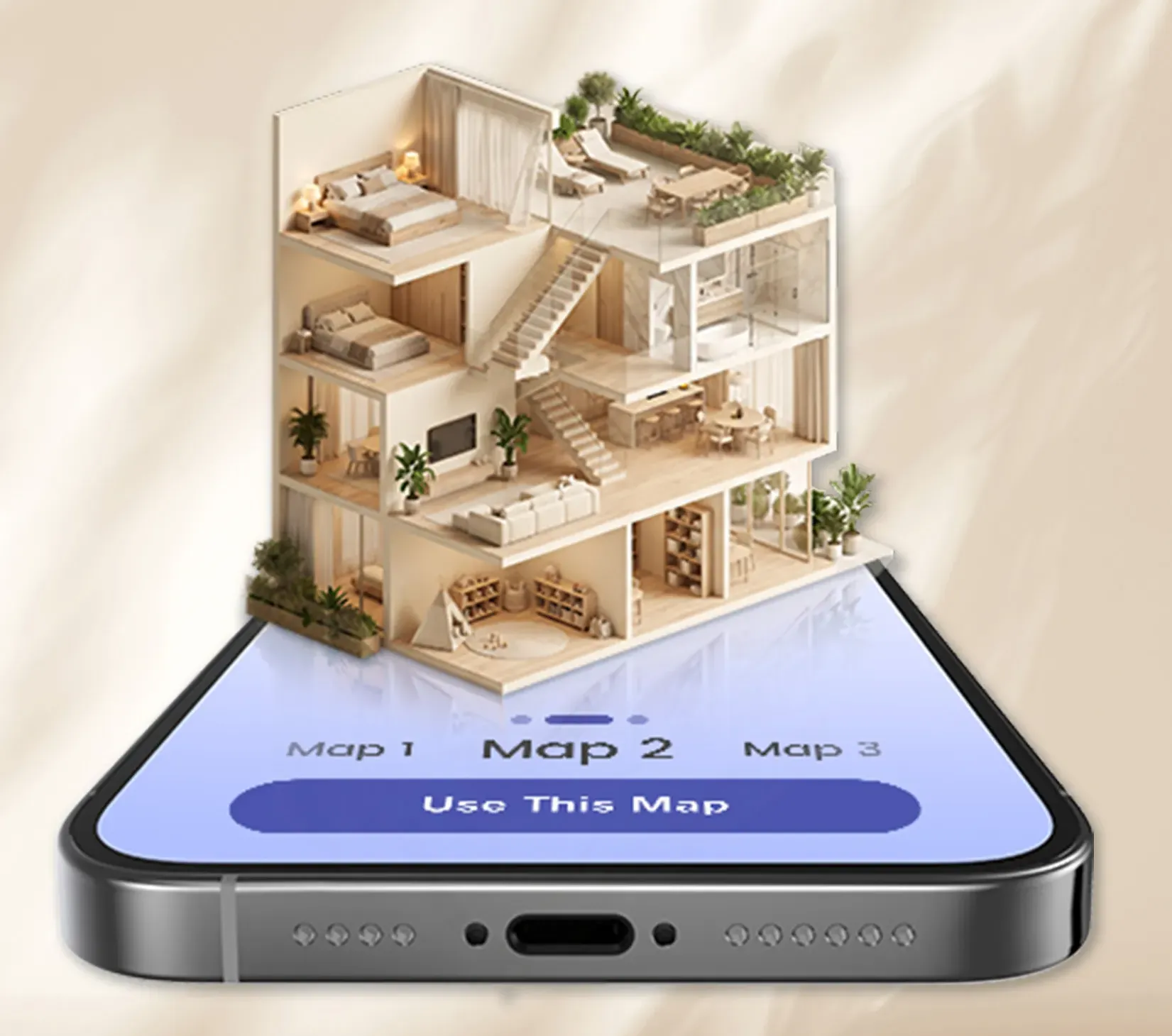
Run First-Time Mapping: On first use, the robot must complete a full scan to build an accurate 3D layout of your space.
-
Why Mapping Matters: Without initial mapping, cleaning paths will be random and incomplete. Once a precise map is saved in the app, the Z10 will optimize its navigation routes for maximum efficiency and allow you to set customized clean zones, room boundaries, and no-go areas easily.
Need Help or Support?
By following these five quick guidelines, you’ll protect your device’s components, ensure streak-free mopping results, and enjoy effortless, hands-free floor care day after day.
Have questions about setting up your Z10 or need technical assistance? Please check the Quick Start Guide included in your package or contact our Customer Support team directly at support@uninelllife.com. We’re always here to help!