

Is your UNINELL UR3 leaving dust or debris behind on your floors? A sudden drop in suction power is a common issue with robot vacuums, but it rarely means your machine is broken. Most of the time, it's caused by a quick setting adjustment or routine maintenance needs.
Before sending your unit in for service, try these 4 simple steps to restore your UNINELL UR3’s powerful suction!
Step 1: Check the Suction Mode in the App
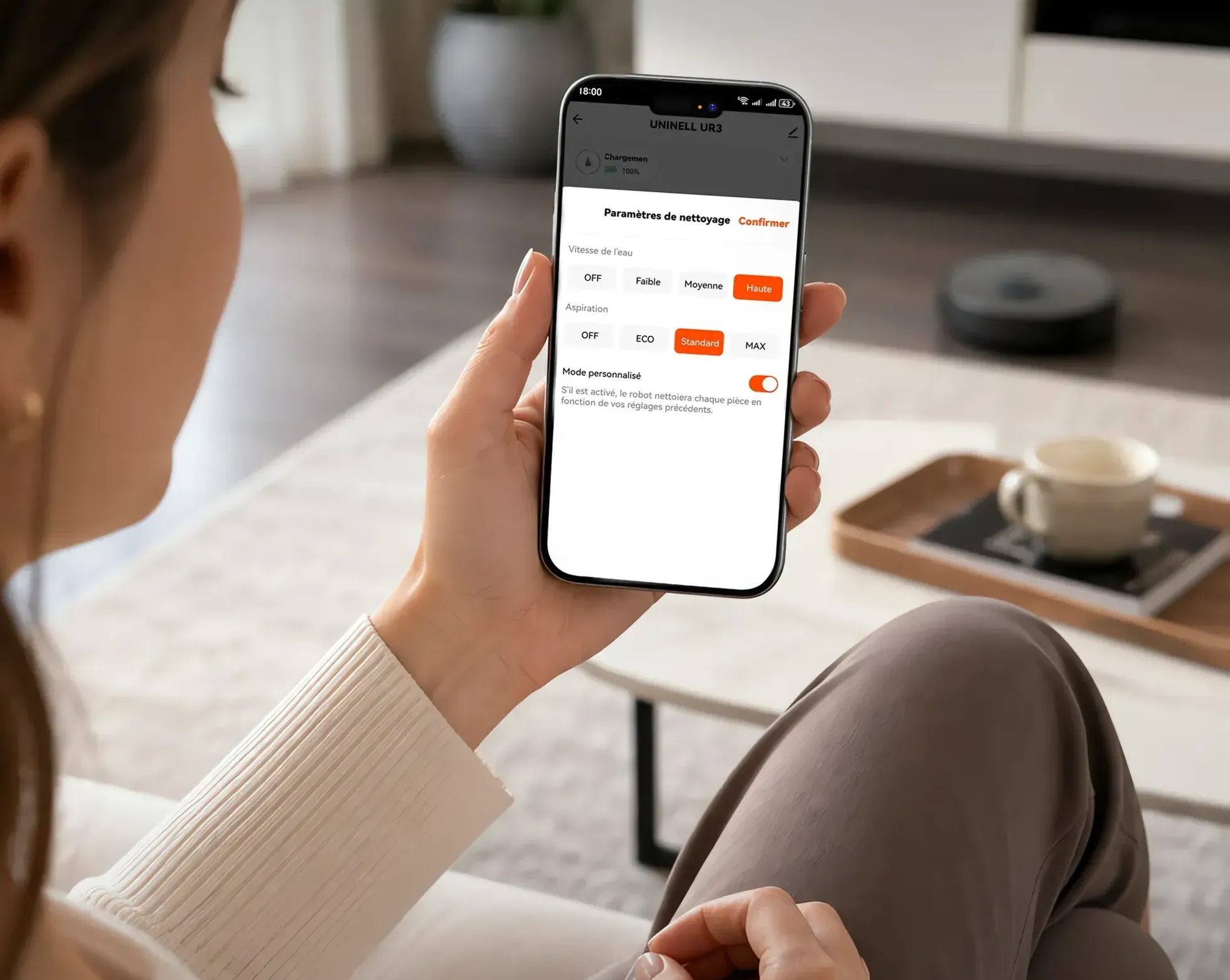
Sometimes, the simplest fix is right on your smartphone. The UNINELL UR3 offers multiple power levels to balance battery life and cleaning intensity.
-
Open the UNINELL App: Go to the cleaning settings dashboard.
-
Verify Suction Setting: Check if the suction mode (Aspiration) was accidentally switched to ECO or Standard mode.
-
Adjust Power: If you have high-pile carpets or heavy debris, select MAX mode to restore maximum suction power.
Step 2: Clean and Dry the Filters
A clogged filter restricts airflow, which directly reduces the vacuum's suction strength.
-
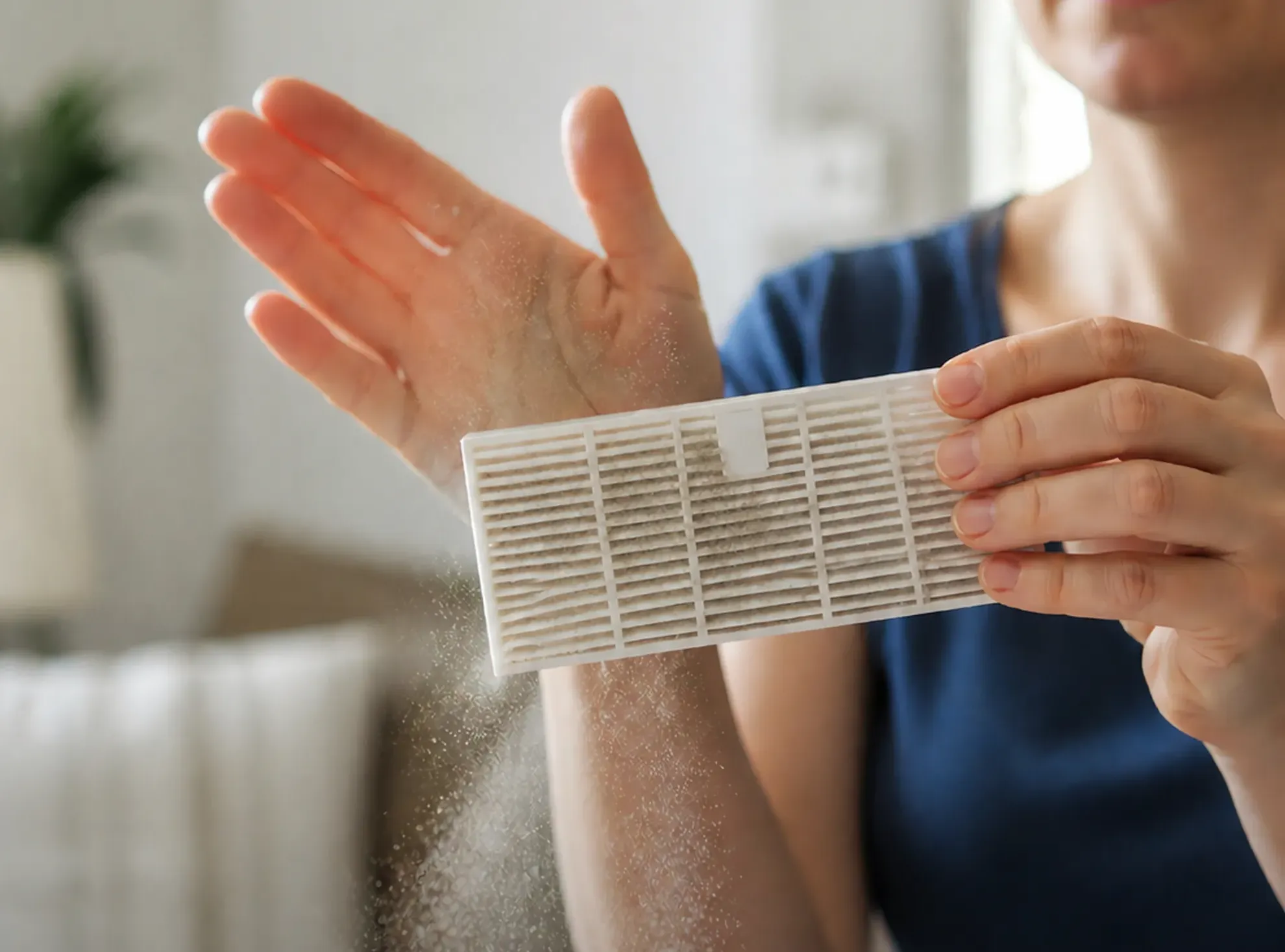
Remove & Dust Off: Take out the HEPA filter and gently tap off accumulated dust.
-
Wash if Needed: If the filter is dirty, rinse it under cool running water.
-
Important Warning: If you wash the filters, let them dry completely for at least 24 hours before reinstalling! Reinstalling a wet or damp filter can severely damage the vacuum motor and create mildew odors.
Step 3: Check the Brushes and Suction Inlet
Hair tangles, threads, and larger debris can block the airways underneath the robot.
-
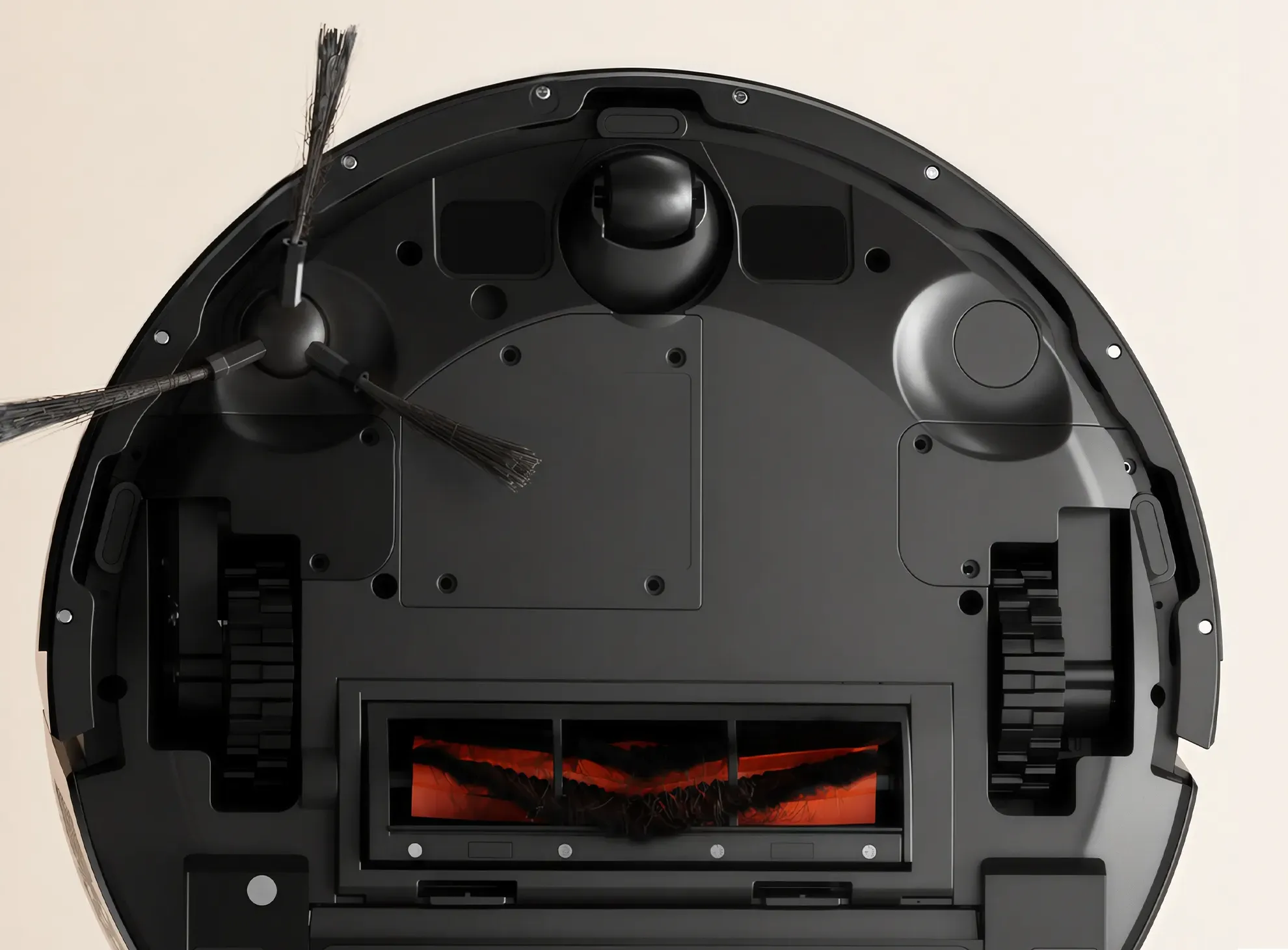
Inspect the Main Roller Brush: Flip the robot over and remove the main brush cover. Clear any tangled hair, threads, or string wrapped around the roller or end caps.
-
Check the Side Brushes: Ensure the side brush rotates freely and isn't jammed with debris.
-
Clear the Suction Inlet: Inspect the passage between the roller brush chamber and the dustbin. Clear away any large obstructions (like small toys or paper scraps) that might be blocking the airflow.
Step 4: Still Losing Suction? Reach Out to Support
If you have tried all the steps above and your UNINELL UR3 still isn't suctioning properly, our customer support team is ready to help!

Email our dedicated support team at support@uninell.com and please include:
-
A clear description of the issue (when it started, what steps you've tried).
-
Photos or a short video showing the issue or error codes, if possible.
-
Your order number for quick warranty verification.
Summary Checklist for Regular Maintenance
To keep your UNINELL UR3 running smoothly and prevent future suction loss:
-
Clean the HEPA filter weekly (and replace it every 3–6 months depending on usage).
-
Remove tangled hair from the main brush and side brushes weekly.